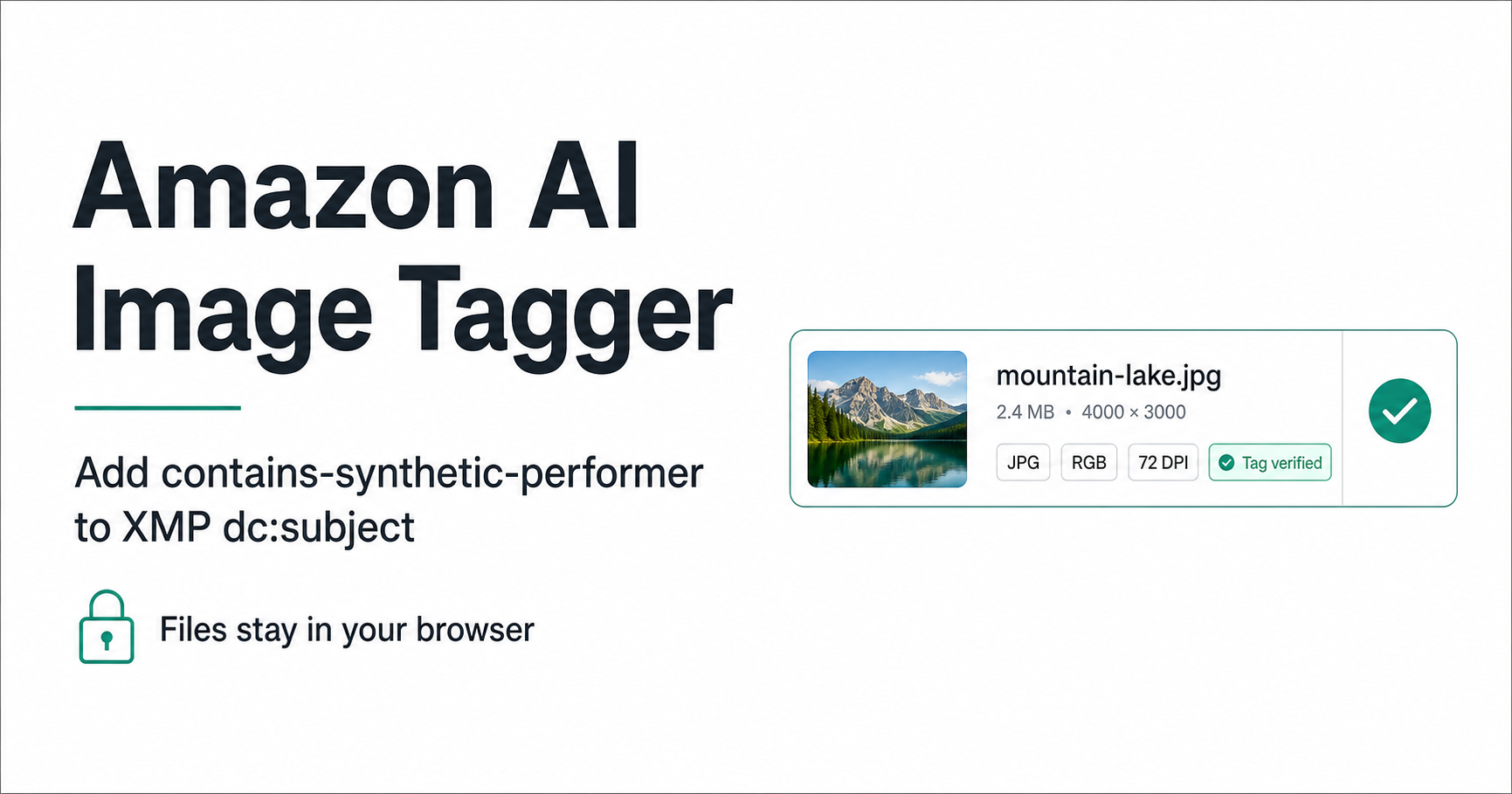
Step one: choose the final image files
Use the files that are ready for upload. Editing or exporting an image after tagging can strip metadata, so metadata should normally be added near the end of the production workflow.
- Supported by this tool: .jpg, .jpeg, and .png.
- Maximum batch size: twenty files.
- Images remain in the current browser.
Step two: write the dc:subject keyword
Select Add Amazon AI Tag. If the exact keyword already exists, the tool leaves it in place instead of adding a duplicate. Existing XMP keywords are retained when the packet can be modified safely.
dc:subject = contains-synthetic-performer
Step three: verify and download
Every successful output is parsed again before its download button is enabled. Verification confirms the keyword is present and checks that the image dimensions and compressed pixel payload remain unchanged.
Download a single tagged file or create a ZIP containing only files that passed verification.
Warnings versus blocking errors
Large file size, low or missing DPI, CMYK, and animated PNG status are shown as informational warnings. Unsupported formats, corrupt files, or XMP packets that cannot be changed safely are blocked for that file.